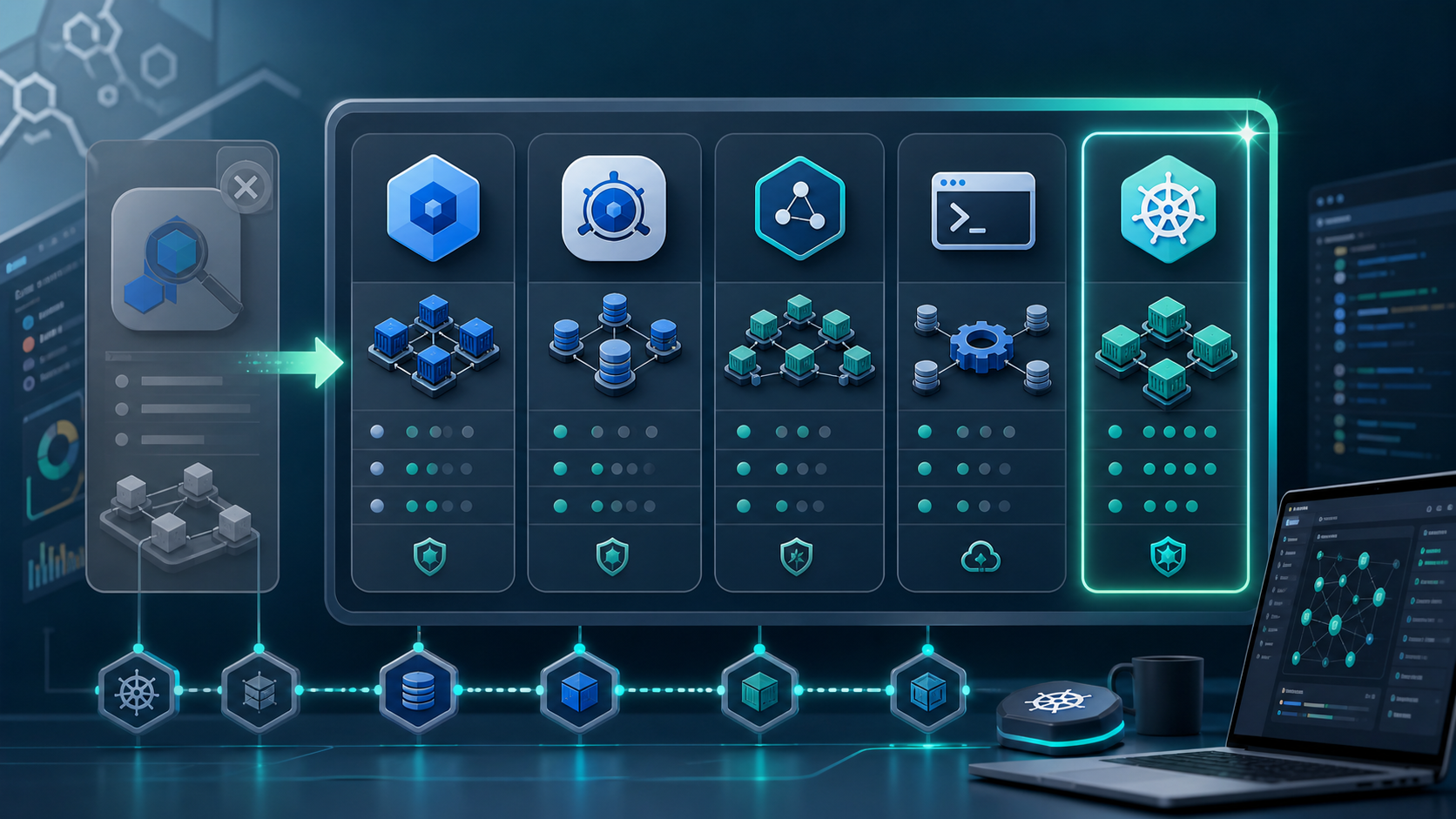

If you have been putting off dealing with your Lens situation, it is time.
OpenLens, the community fork that kept the open-source Lens experience available after Lens moved toward a commercial model, is now a legacy choice for most teams. Development slowed, the project fell behind the modern Kubernetes desktop tooling landscape, and many users have already moved on.
A newer fork called FreeLens has picked up the torch. It is better maintained than OpenLens and gives teams a familiar Lens-like workflow without a subscription. But FreeLens is also intentionally close to the classic Lens experience: a clean, functional Kubernetes IDE that does the basics well.
For teams that need more, such as air-gapped support, visual cluster maps, stronger RBAC workflows, Helm management, or a broader desktop Kubernetes IDE roadmap, FreeLens is a useful waypoint rather than the final destination.
Here is the full picture: how we got here, what your options are, and how to pick the right Kubernetes GUI for 2026.
How We Got Here: The Lens to OpenLens to FreeLens Timeline
2018-2021: Lens grows into one of the most popular desktop Kubernetes IDEs. Teams adopt it because it makes workloads, logs, namespaces, and cluster contexts easier to navigate than raw terminal workflows.
2021-2022: Lens moves further into a commercial product model. Account requirements and paid tiers become part of the conversation, which pushes many users to look for a free Lens Kubernetes alternative.
2022: The community turns to OpenLens to preserve the open-source desktop Kubernetes IDE experience. For a while, OpenLens becomes the default answer for people searching for "Lens, but free."
2023-2024: OpenLens slows down. Issues accumulate, releases become less predictable, and the project falls behind the needs of teams that want a maintained Kubernetes IDE without subscription friction.
2024-2026: FreeLens emerges as the more active community successor. It gives OpenLens users a realistic migration path, while commercial tools continue to evolve around performance, AI-assisted diagnostics, cluster visualization, security, and enterprise deployment requirements.
The question in 2026 is no longer just "OpenLens or Lens?" It is "which Kubernetes IDE fits the way my team actually works?"
The Five Best Alternatives
1. FreeLens: The Spiritual Successor
Best for: Teams already using OpenLens who want a familiar replacement with minimal disruption.
FreeLens feels close to the classic Lens workflow: workload management, pod logs, port-forwarding, kubeconfig-based access, and basic multi-cluster navigation. It is actively maintained by the community and is the most direct free replacement for OpenLens.
What it does not try to be is a full commercial Kubernetes operations platform. It does not focus on AI troubleshooting, air-gapped licensing, visual topology maps, deep RBAC workflows, or enterprise support. That is both its strength and its ceiling: free, familiar, and open, but intentionally conservative.
Pricing: Free and open source.
Platforms: macOS, Windows, Linux.
Air-gapped support: Works where your cluster API is reachable, but there is no dedicated enterprise air-gapped license model.
Agent required: No. It connects via kubeconfig.
2. Aptakube: Fast, Focused, Commercial
Best for: Individual developers and small teams who want a polished paid alternative to Lens.
Aptakube positions itself clearly as a Lens replacement. It is fast, lightweight, and especially good for multi-cluster workflows. Users who want a clean desktop UI without heavy enterprise features often find it easy to adopt.
The tradeoff is scope. Aptakube is focused on core cluster management and developer experience. If your team needs security analysis, RBAC visualization, visual topology maps, advanced Helm workflows, or air-gapped operation, it may be a lateral move rather than a real upgrade.
Pricing: Starts at $9/month for personal use, with team options available.
Platforms: macOS, Windows, Linux.
Air-gapped support: Not a primary focus.
Agent required: No.
3. Headlamp: The Kubernetes Web UI
Best for: Teams that prefer a web-based dashboard and want a project aligned with the Kubernetes ecosystem.
Headlamp is a Kubernetes dashboard project associated with Kubernetes SIG UI and the CNCF landscape. It is browser-based, extensible, and can run as a standalone app or in-cluster dashboard.
That model is useful when a team wants central access through a web UI. It is less natural for users coming from a desktop Lens workflow. Depending on how you deploy it, Headlamp can require an in-cluster deployment, local proxying, or additional setup. It also does not aim to be a full desktop IDE with local AI workflows, commercial air-gapped licensing, or a broad set of desktop-native operational tools.
Pricing: Free and open source.
Platforms: Web-based, with desktop options available.
Air-gapped support: Possible with self-hosted setup, but not the main product focus.
Agent required: Often deployed in-cluster or accessed through a proxy.
4. Monokle: The YAML-Centric Option
Best for: Teams whose primary pain is Kubernetes YAML authoring and validation, not live cluster management.
Monokle focuses on the configuration lifecycle: writing, validating, diffing, and deploying manifests. If your biggest frustration with Lens was YAML visibility and manifest confidence, Monokle is worth a look.
Where it falls short as a Lens replacement is live operations. It is primarily a configuration tool, not a cluster management IDE. Real-time logs, runtime debugging, multi-cluster operations, and day-to-day cluster monitoring are not its center of gravity.
Pricing: Free and open source.
Platforms: macOS, Windows, Linux.
Air-gapped support: Limited.
Agent required: No.
5. K8Studio: The Full-Stack Desktop IDE
Best for: Teams that want a Lens upgrade, not just a Lens replacement.
K8Studio is a desktop-native Kubernetes IDE built for the problems Lens never fully solved: cluster visualization, AI-assisted troubleshooting, multi-cluster management, RBAC workflows, Helm management, security views, and support for restricted environments.
CloudMaps gives teams an interactive visualization of cluster topology. Instead of reconstructing relationships from rows of pods and services, you can see workloads, resource health, and connections in a map-oriented view.
AI Copilot helps with cluster troubleshooting and diagnostics from the desktop workflow. It is designed for teams that want faster investigation of pod failures, resource contention, and misconfiguration without turning every incident into a manual scavenger hunt.
Professional Airtight is K8Studio's offline-friendly tier for air-gapped and restricted environments. It is designed for teams that cannot rely on public internet access for normal tool operation or license checks.
Agent-free architecture means K8Studio does not install a management agent, DaemonSet, operator, or CRD in your cluster. It connects through kubeconfig and reads from the Kubernetes API directly.
K8Studio also includes RBAC management, Helm release management, an advanced multi-container log viewer, DevSec View, an integrated YAML editor, and an integrated terminal.
Pricing: Basic $9/month, Professional $17/month, Professional Airtight $187/year. 15-day free trial.
Platforms: macOS, Windows, Linux.
Air-gapped support: Yes, with Professional Airtight.
Agent required: No.
How to Choose
| FreeLens | Aptakube | Headlamp | Monokle | K8Studio | |
|---|---|---|---|---|---|
| Price | Free | From $9/mo | Free | Free | From $9/mo |
| Desktop app | Yes | Yes | Web/wrapper | Yes | Yes |
| Multi-cluster | Basic | Strong | Yes | Limited | Strong |
| AI Copilot | No | No | No | No | Yes |
| Cluster visualization | No | No | No | No | Yes, CloudMaps |
| Air-gapped support | Limited | Limited | Self-hosted setup | Limited | Dedicated tier |
| Agent-free | Yes | Yes | Depends on deployment | Yes | Yes |
| RBAC management | Basic | Basic | Basic | No | Full |
| Helm GUI | Basic | Limited | Plugin-dependent | No | Full |
| Development model | Community | Commercial | Community | Community | Commercial |
Choose FreeLens if you need a free, familiar replacement for OpenLens and your needs are basic: workload visibility, logs, contexts, and port-forwarding.
Choose Aptakube if you want a polished, fast paid desktop tool and multi-cluster usability is your primary need.
Choose Headlamp if your team prefers a web UI, wants something close to the Kubernetes community ecosystem, and is comfortable with web or in-cluster deployment patterns.
Choose Monokle if your primary pain is YAML authoring, validation, and configuration review rather than live operations.
Choose K8Studio if you want a full-featured Kubernetes IDE with visual cluster maps, AI-assisted troubleshooting, RBAC and Helm workflows, agent-free access, and a dedicated option for restricted environments.
Migrating from OpenLens
Regardless of which tool you choose, migration from OpenLens is usually straightforward:
- Locate your kubeconfig files. Most users start with
~/.kube/config, but some teams keep separate files per environment. - Install your chosen tool.
- Import or point to your kubeconfig. The tools above support standard Kubernetes contexts.
- Verify cluster connectivity. The authentication path is familiar because these tools use the Kubernetes API.
- Check extension gaps. OpenLens extensions do not automatically migrate, so verify equivalent features before committing.
Start your K8Studio free trial
Frequently Asked Questions
Is OpenLens still maintained in 2026?
OpenLens is best treated as a legacy option in 2026. Teams looking for a maintained free continuation of the classic Lens workflow usually evaluate FreeLens instead.
What is FreeLens and how is it different from OpenLens?
FreeLens is a community-maintained fork of the open-source Lens codebase. It is more active than OpenLens and focuses on preserving a familiar, free Kubernetes desktop IDE experience.
Is FreeLens free?
Yes. FreeLens is free and open source, with no subscription required.
Does FreeLens work in air-gapped environments?
FreeLens can work when your cluster API is reachable from the machine running it, but it does not provide a dedicated commercial air-gapped licensing or support tier.
What is the best free alternative to OpenLens in 2026?
FreeLens is the most direct free OpenLens replacement. Headlamp is another strong option if you prefer a web-based Kubernetes UI.
What is the best paid alternative to Lens for Kubernetes?
K8Studio and Aptakube are two strong commercial options. Aptakube is fast and focused. K8Studio offers a broader Kubernetes IDE experience with CloudMaps, AI-assisted troubleshooting, RBAC management, Helm workflows, DevSec View, and Professional Airtight for restricted environments.
Does K8Studio work offline or in air-gapped networks?
K8Studio Professional Airtight is designed for offline and restricted environments where public internet access is unavailable or not allowed for daily operation.
Can I use K8Studio instead of Lens?
Yes. K8Studio connects via kubeconfig, supports common Kubernetes desktop workflows, and adds features such as CloudMaps, AI-assisted troubleshooting, RBAC management, Helm management, and air-gapped support. See a full feature comparison