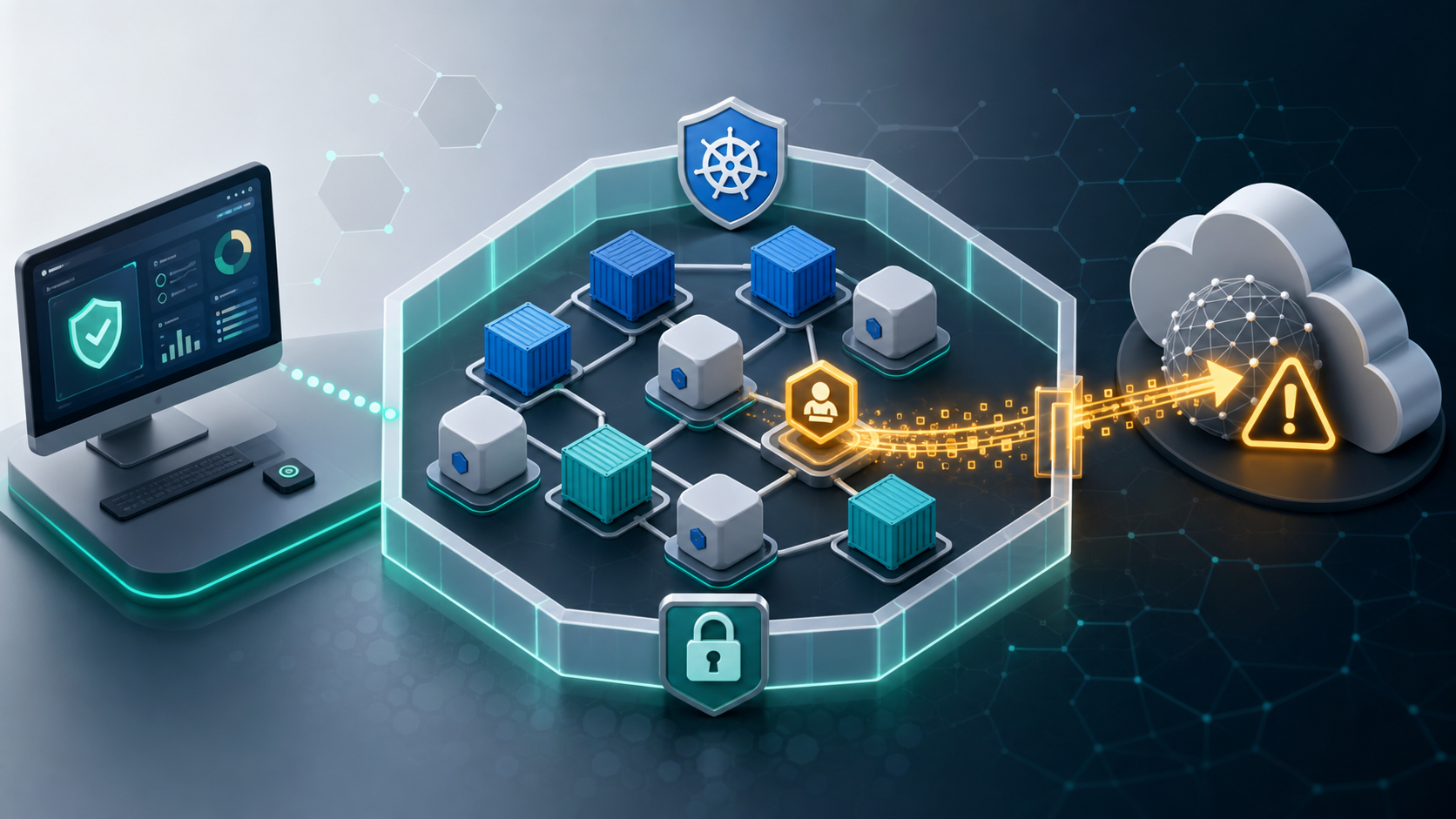

Most Kubernetes management tools ask you to do the same thing before you can use them: install an agent in your cluster.
It seems like a small ask. A DaemonSet here, a few RBAC permissions there, and suddenly you have a dashboard showing your pods, deployments, logs, and live metrics.
What the setup wizard does not always make obvious is what happens after that agent is running: where your cluster data goes, who can access it, and what you have agreed to by installing it.
For many teams, that is a gap worth closing before the next security review.
What "Agent-Based" Actually Means
An agent-based Kubernetes tool works by deploying one or more components directly into your cluster. These components, typically a DaemonSet, Deployment, operator, or set of CRDs, collect data from your cluster and send it somewhere else for processing, storage, alerting, search, or visualization.
Depending on the product and configuration, the data collected can include:
- Pod metadata: names, labels, namespaces, and annotations
- Deployment and workload state: replica counts, rollout history, resource requests, and limits
- Log streams: stdout and stderr from containers
- Network topology: service-to-service communication maps
- RBAC policies: roles, bindings, and service accounts
- Events and alerts: Kubernetes events, crash data, and OOMKills
- Node metrics: CPU, memory, disk, and node-level health signals
For observability, this is often exactly the data you want a tool to see. The security question is whether you want that data collected by software running inside the cluster and transmitted outside the environment you control.
The Risk Surface Agent-Based Tools Create
1. Data Exfiltration by Default
With an agent-based tool, cluster data may be continuously transmitted to infrastructure outside your cluster. That could be a vendor SaaS platform, a managed cloud endpoint, or a self-hosted backend operated by your team.
If a vendor-hosted service is involved, the vendor's data handling policies, retention periods, breach notification procedures, and subprocessor relationships may apply to workload metadata, log streams, RBAC configuration, and operational events.
For teams handling regulated workloads, personal data, financial systems, healthcare data, or restricted environments, that creates a compliance dependency that deserves a deliberate review.
2. The Blast Radius of a Vendor Breach
If a Kubernetes management vendor or telemetry backend is compromised, the exposure may go beyond dashboard credentials. Depending on what the tool collected, it can include cluster topology, workload names, log content, RBAC policies, and operational patterns.
Unlike a password, topology data cannot simply be rotated. It can give an attacker a useful map of your infrastructure: which services exist, how they communicate, where sensitive systems might be, and which service accounts appear to have elevated permissions.
3. Agent Permissions Are Often Broader Than Teams Expect
Kubernetes agents need RBAC permissions to function. Many require broad read access across namespaces and resource types. Some request write permissions for remediation, restart, policy, or automation features.
That does not make the tool unsafe by itself, but it does create a new privileged component in your cluster. A vulnerable agent, a compromised container image, or a supply-chain issue can only do what its permissions allow, so those permissions matter.
The attack surface is not only "can someone log into the dashboard?" It is also "what could happen if the software running inside the cluster were compromised?"
4. Air-Gapped and Restricted Environments Are Harder
Organizations operating in air-gapped or heavily restricted networks often cannot use tools that depend on outbound telemetry. A tool that needs to call a public SaaS endpoint for normal operation may require proxy exceptions, firewall rules, or network paths that restricted environments are designed to avoid.
Even when an agent-based tool offers a self-hosted option, the operational burden shifts to running and securing that backend yourself.
5. Compliance Scope Expansion
SOC 2, ISO 27001, HIPAA, FedRAMP, PCI-DSS, and GDPR programs all care about data minimization, third-party data sharing, access control, retention, and vendor risk management.
Every agent-based tool should be evaluated as part of that program. Security teams need to know what the agent collects, where the data goes, how long it is retained, which subprocessors are involved, and what happens during an incident.
Teams under compliance pressure often discover this late, when an auditor asks: "What does this DaemonSet do, and where does it send data?"
How the Market Got Here
The agent-based model became common because it solves a real problem: getting cluster data into a useful UI without requiring users to run much locally.
SaaS tools can host analytics, search, long-term storage, alerting, and visualization in their cloud. The agent is the collection layer that feeds it. That model can be convenient, scalable, and easy to support.
It also means cluster data becomes an input to a system outside the cluster.
The alternative is a desktop-native tool that runs on your machine and connects directly to Kubernetes through your kubeconfig, much like kubectl. That approach takes more product engineering, but it keeps the management path simpler: your machine talks to the Kubernetes API server, and no management agent is installed in the cluster.
What Agent-Free Kubernetes Management Looks Like
An agent-free Kubernetes management tool connects to your cluster using your local kubeconfig and the Kubernetes API server. No DaemonSets. No management operators. No background collector running in the cluster.
Everything the tool displays, such as pod status, logs, metrics, RBAC policies, Helm releases, and workload state, is read directly from the Kubernetes API and rendered locally on your machine. When you close the application, no management component is left running in your cluster.
This architecture can reduce risk in several ways:
- Less cluster-resident software. There is no management agent inside the cluster to patch, harden, or monitor.
- Smaller RBAC blast radius. Access is governed by the kubeconfig and Kubernetes permissions you already use.
- Better fit for restricted networks. The tool needs access to your cluster API endpoint, not a continuous outbound telemetry path.
- Simpler compliance review. There is less third-party data movement to document when cluster data stays in your environment.
- Lower vendor breach exposure. A vendor cannot expose cluster data it never receives.
K8Studio: Built Around Agent-Free Kubernetes Management
K8Studio is a desktop-native Kubernetes IDE for macOS, Windows, and Linux. It connects to clusters via kubeconfig, like kubectl, without requiring an agent, DaemonSet, operator, or CRD in your cluster.
Features such as CloudMaps cluster visualization, multi-cluster management, RBAC management, Helm release management, the advanced log viewer, and DevSec View operate from the desktop by reading Kubernetes API data in real time.
For organizations that need offline operation, K8Studio Professional Airtight is designed for air-gapped and restricted environments where licensing validation and day-to-day feature use cannot depend on public internet access.
Evaluating Your Current Tool Stack
If you are using an agent-based Kubernetes management tool today, ask these questions before the next renewal or security review:
- What data does the agent collect? Read the vendor's data processing documentation, not just the product page.
- Where is that data sent and stored? Check cloud regions, retention windows, subprocessors, and support access.
- What RBAC permissions does the agent hold? Run
kubectl get clusterrolebindingsand inspect the vendor service account. - What happens if the vendor service is unavailable? Decide whether visibility depends on a third-party control plane.
- What would a compromised agent allow? Audit the ClusterRole associated with the agent account.
- Does the tool work in your most restricted environment? Test against an air-gapped or segmented cluster, not only a connected development cluster.
The Bottom Line
Agent-based Kubernetes tools are not inherently malicious. Many are built by serious teams with mature security programs. The issue is architectural: installing an agent creates another privileged component in your cluster and may create a data path out of your environment.
For some teams, that tradeoff is acceptable. For regulated, security-sensitive, or air-gapped environments, it may not be.
An agent-free, desktop-native Kubernetes GUI gives teams a different option: visualization, troubleshooting, multi-cluster management, RBAC review, Helm management, and operational clarity without adding a collector to the cluster.
Start your K8Studio free trial
Frequently Asked Questions
What is an agent-free Kubernetes tool?
An agent-free Kubernetes tool connects to your cluster using the Kubernetes API and your local kubeconfig, the same general access path used by kubectl. No additional management software is deployed inside your cluster.
Is K8Studio agent-free?
Yes. K8Studio does not require agents, DaemonSets, operators, or CRDs in your cluster. It connects via kubeconfig and reads from the Kubernetes API directly.
What are the security risks of agent-based Kubernetes tools?
Agent-based tools can collect cluster data such as pod metadata, logs, RBAC configuration, events, metrics, and topology. If that data is sent to external infrastructure, it creates additional compliance, vendor risk, and breach exposure. The agent itself also becomes software that must be secured inside the cluster.
Can K8Studio work in an air-gapped environment?
K8Studio Professional Airtight is designed for air-gapped and offline environments where public internet access is unavailable or restricted.
How does K8Studio connect to my cluster if there is no agent?
K8Studio uses your existing kubeconfig to authenticate with your Kubernetes API server. No in-cluster setup is required for Kubernetes management.
What Kubernetes data does K8Studio access?
K8Studio reads Kubernetes API data needed to display workloads, pods, logs, events, RBAC policies, Helm releases, and resource metrics. Access is controlled by the permissions associated with your kubeconfig.